
Industry news


View: 249

Release time:2026-03-24
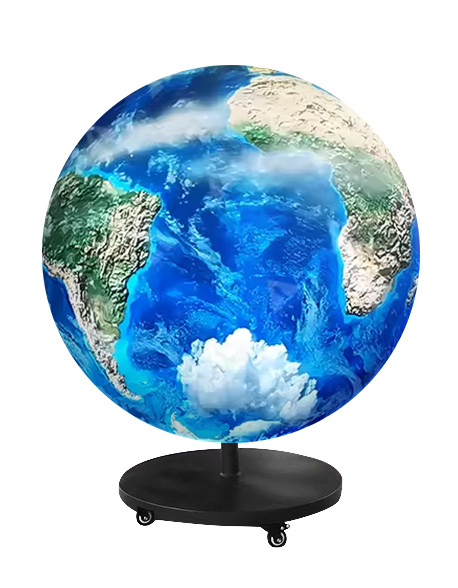
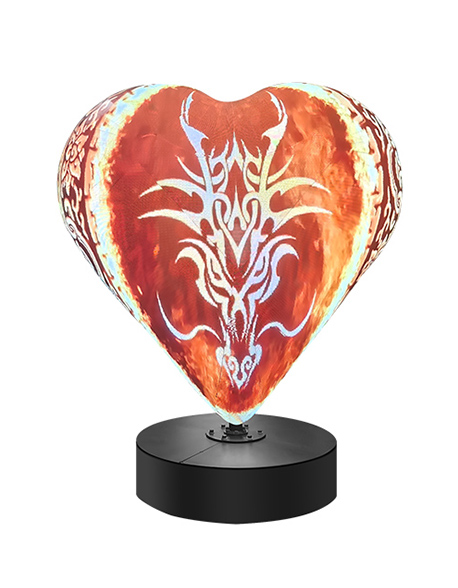
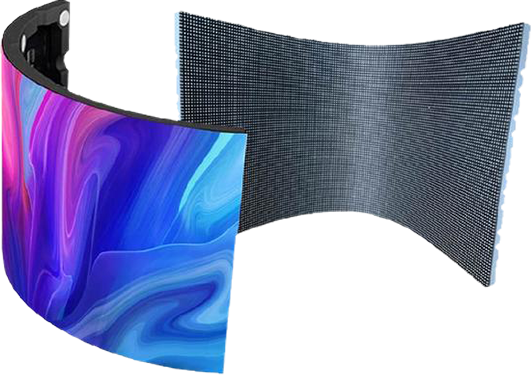
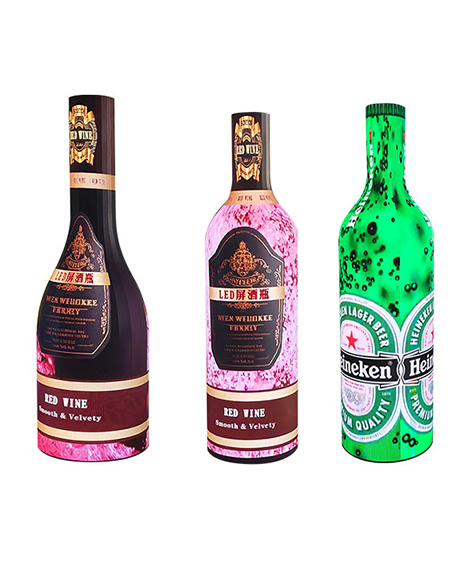
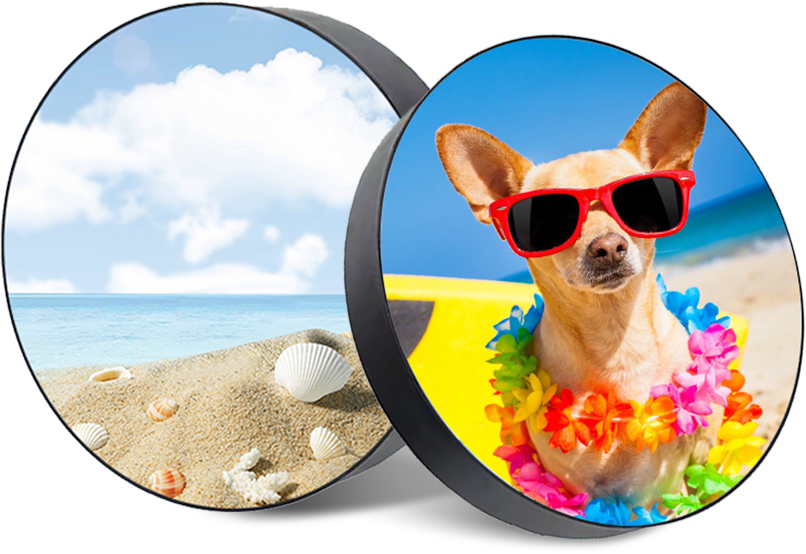
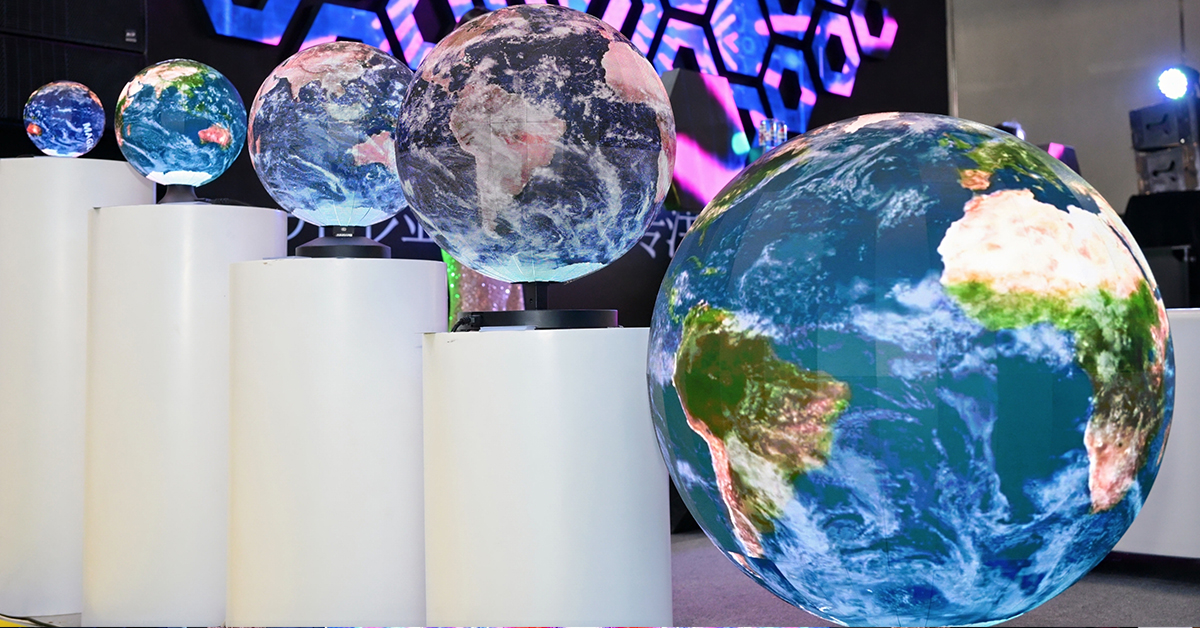
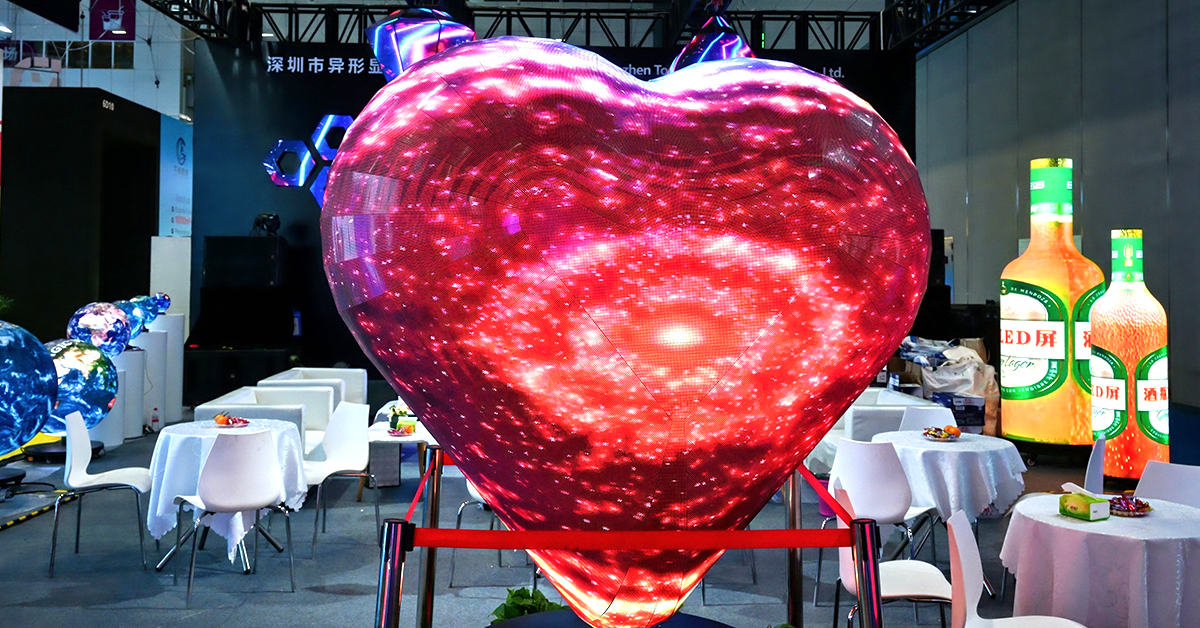
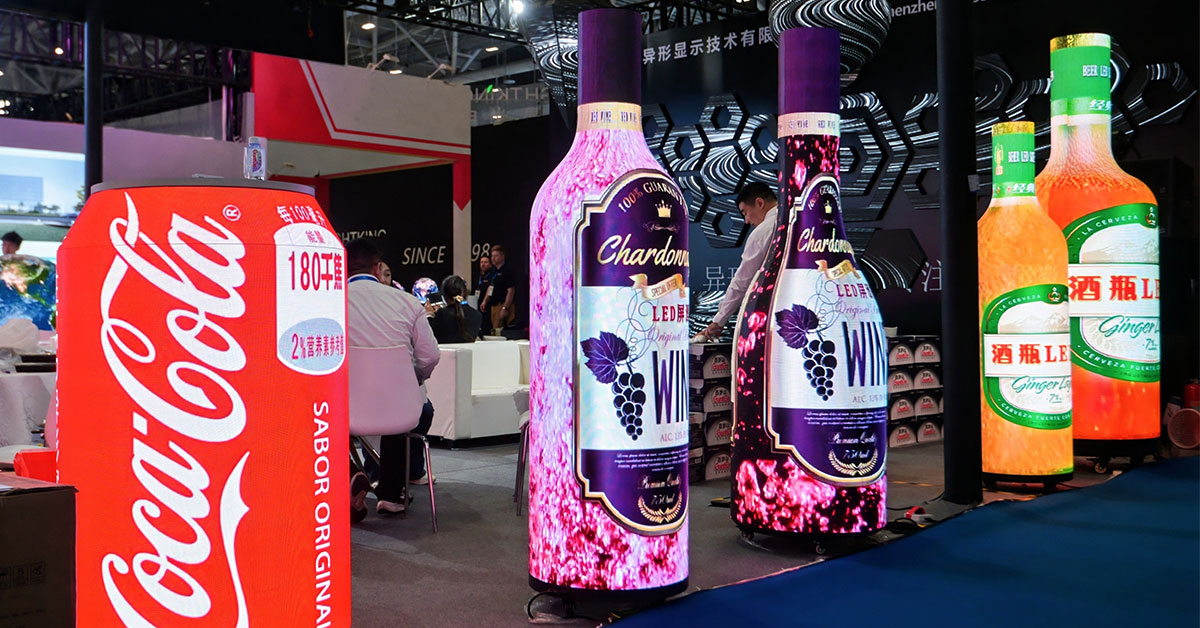
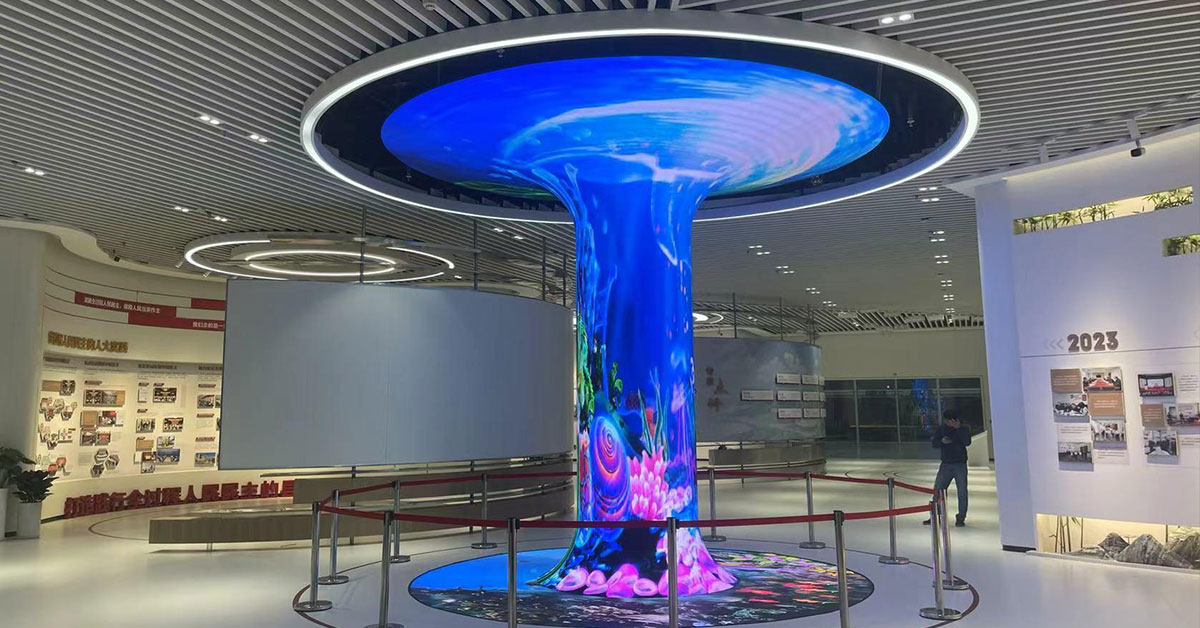
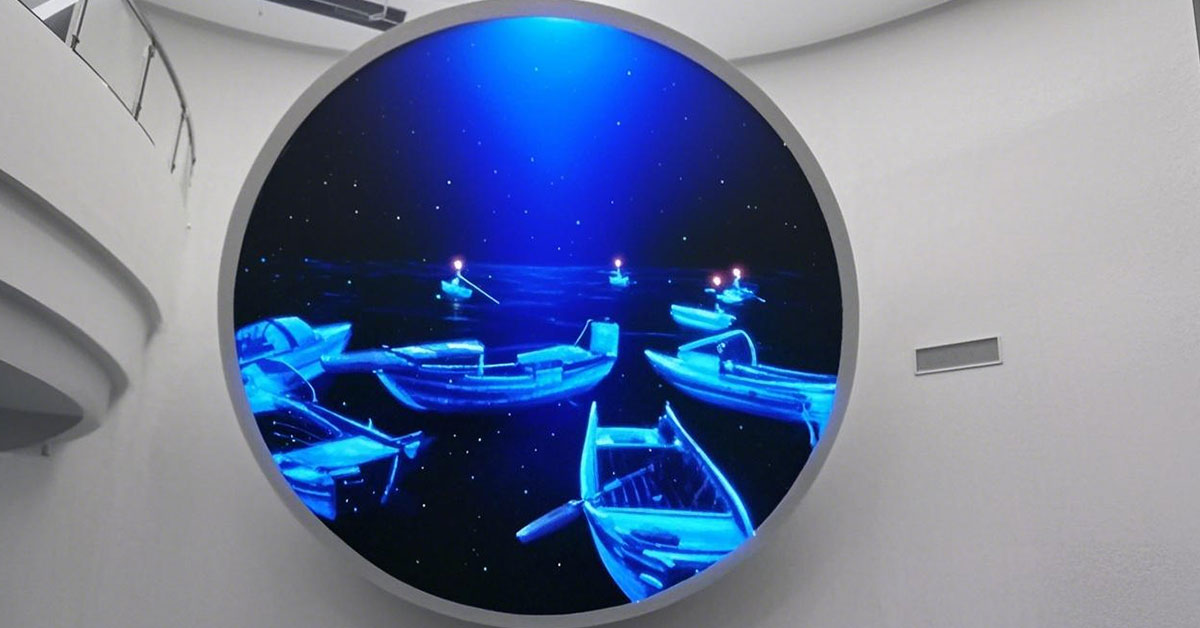
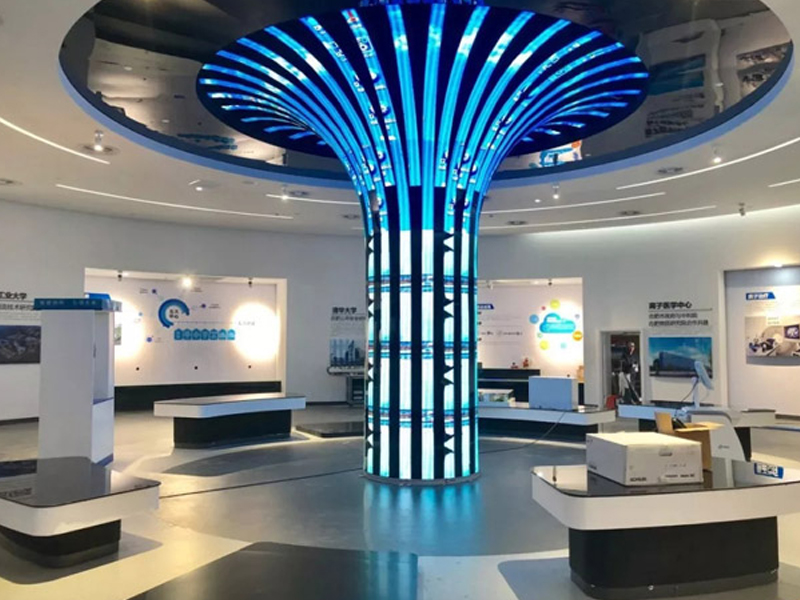
Special-shaped LED displays—such as spherical, wave, cylindrical, or faceted designs—deliver strong visual impact. However, they also introduce a serious engineering challenge: heat management.
Unlike flat screens, these displays often trap heat due to structural complexity. If you fail to address this early, overheating will shorten lifespan, cause dead pixels, and even lead to system failure. Therefore, you must treat thermal design as a core part of the project, not an afterthought.
First, irregular designs reduce usable surface area for heat dissipation. Designers often sacrifice large, flat heat sinks to achieve creative shapes.
As a result:
Heat sink area decreases
Ventilation paths shrink
Thermal efficiency drops
Next, curved and segmented structures create thermal “dead zones.” Air cannot circulate smoothly, so heat accumulates in specific areas.
Over time, this leads to:
Localized overheating
Uneven temperature distribution
Accelerated component aging
In many cases, special-shaped displays are installed in:
Enclosed architectural spaces
Areas with direct sunlight
Locations near other heat sources
These external factors further increase thermal load and make cooling more difficult.
To achieve high visual impact, designers often increase LED density. This means more heat generation per unit area.
In other words:
Higher brightness + higher density = higher thermal stress
Start with materials and structural design. This forms the foundation of thermal management.
Key strategies:
High thermal conductivity materials
Use aluminum (≈237 W/m·K) or copper for back panels. Combine them with thermal grease or silicone pads to improve heat transfer.
Modular segmentation
Divide large displays into smaller thermal zones. This prevents heat concentration and improves overall dissipation.
Thin, optimized heat fins
Customize lightweight fins to maximize surface area without adding excessive weight.
Heat pipe technology
Transfer heat quickly from LED chips to external heat sinks, especially in high-density.
These methods work for almost all types of special-shaped LED displays.
Passive cooling alone is often not enough. Therefore, you should integrate active systems when conditions require it.
Air Cooling (Most Common)
Install low-noise, long-life fans
Use smart temperature-controlled fans
Low temperature → low speed
High temperature → automatic acceleration
This approach balances cooling performance and noise control.
Liquid Cooling (High-End Solution)
Ideal for high-density or long scenarios
Use cold plate liquid cooling systems
Maintain screen temperature below ~40°C
Although more expensive, liquid cooling delivers superior thermal stability.
Smart monitoring allows you to react before overheating becomes a problem.
Best practices:
Multi-point temperature sensors
Place sensors on LED boards, driver ICs, and power supplies for real-time monitoring.
Dynamic adjustment systems
Automatically adjust fan speed or liquid flow based on temperature data.
Trigger brightness reduction or alarms when overheating occurs.
Thermal imaging inspections
Regularly scan the display with infrared cameras to identify hotspots early.
Even the best design fails without proper installation and upkeep.
Key actions:
Avoid direct sunlight (use shading structures for outdoor projects)
Ensure sufficient ventilation space during installation
Clean dust from vents and fan filters every 3–6 months
Select wide-temperature components (power supplies, driver ICs)
These steps significantly reduce long-term thermal risk.
Shape Type | Thermal Challenge | Recommended Solution |
Spherical / Cylindrical | Heat accumulates toward the center | Central axial fans + external radiative cooling |
Flexible Wave Screens | Uneven heat distribution at curves | Segmented cooling + flexible thermal materials |
Transparent Displays | Conflict between airflow and transparency | Micro-channel liquid cooling + graphene coating (maintains ~80% transparency while improving heat dissipation by ~30%) |
In-ground Displays | Poor ventilation in enclosed space | Forced air cooling + ground vents + high-conductivity ceramic materials |
To effectively prevent overheating, you should take a systematic approach across all project stages:
1. Design Phase
Collaborate with manufacturers early and conduct thermal simulation.
2. Material Selection
Prioritize cabinets with smart temperature control or liquid cooling options.
3. Installation Phase
Ensure proper airflow and avoid heat accumulation zones.
4. Maintenance Phase
Establish routine temperature monitoring and cleaning schedules.
Special-shaped LED displays demand more than creative design—they require advanced thermal engineering. By combining structural optimization, active cooling, and intelligent control, you can effectively eliminate overheating risks.
When you address heat management from the beginning, you not only protect your investment but also ensure stable performance, longer lifespan, and consistent visual quality.
 +86 18688923792
  andy@tosled.com